Bijoux
iOS app · designed, built and shipped solo
I invented a way to give someone a small object that then lives on their phone’s Dynamic Island. Nobody had done this before, which meant nobody knew how to use it — so the real design work was teaching a brand-new gesture without ever explaining it.
Role
Product design, art direction, engineering
Platform
iOS · SwiftUI
Shipped
Launched on TestFlight
Status
Beta tested in production with 10 users
The pattern I was inventing
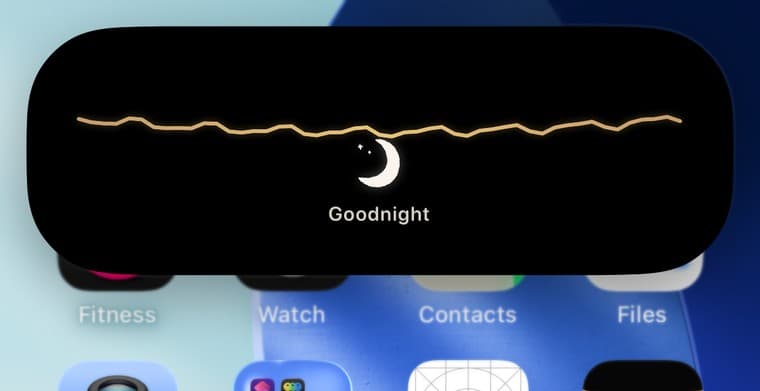
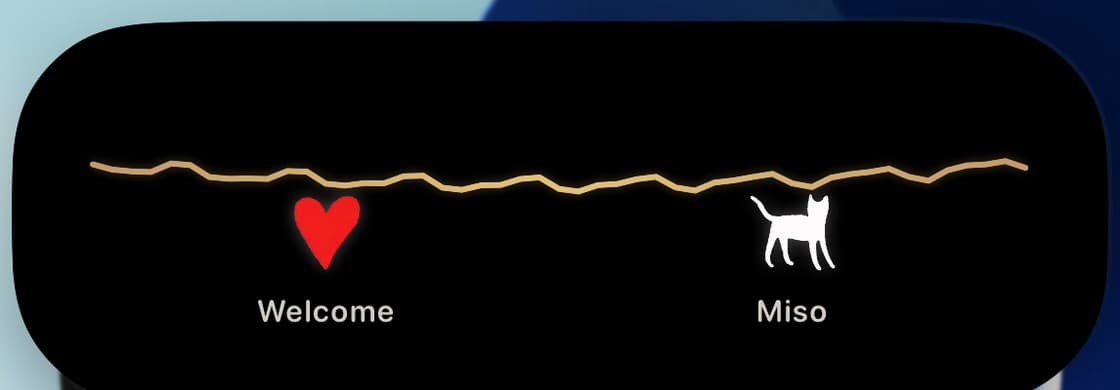
A friend hands you a charm. It hangs from a gold thread across your Dynamic Island — the one piece of screen you glance at a hundred times a day — and it stays there until you pass it on.
You can wear three. Your dish holds twelve. You cannot make one for yourself; every object you own came from a person. I built those limits as the physics of the world rather than settings, because scarcity is what makes a gift mean anything.
No app on iOS behaved like this, so there was no habit to borrow from. Every screen had to carry the explanation itself.
Teaching it without a tutorial
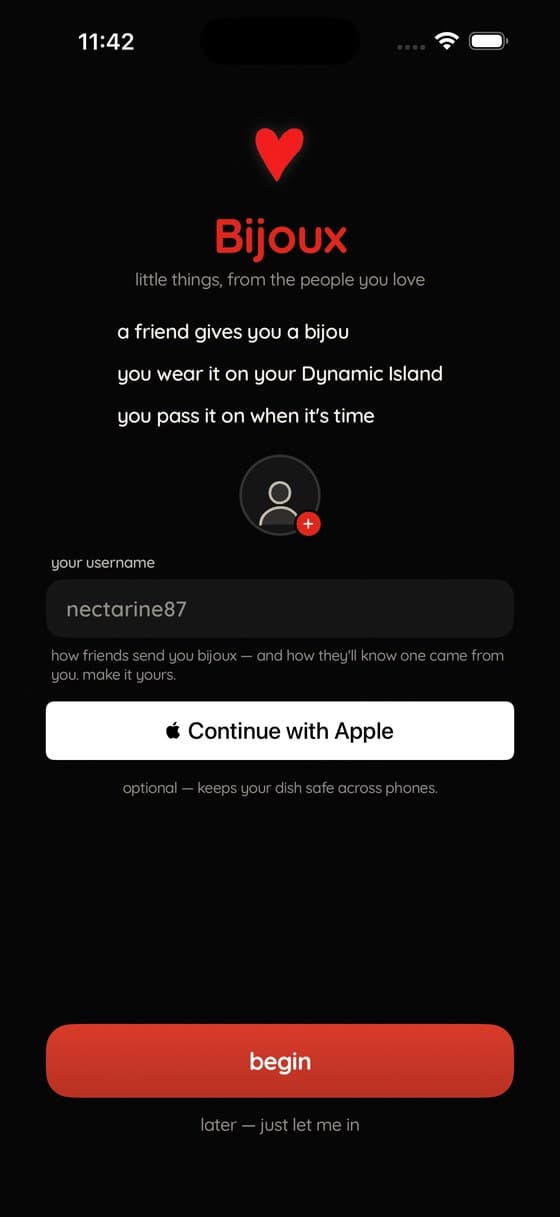
My first instinct was to describe the idea. It didn’t work — a carousel explaining a gesture nobody has felt is just words. So I made the app perform the interaction instead.
The half-second that made it feel unsure
Wearing a bijou is one gesture: drag it up to the thread. But for a long time the landing had a stutter in it. The charm went where your finger left it — and then the layout recalculated, and yanked it somewhere else, shoving its neighbours aside to keep everything evenly spaced.
Both things were individually correct. Evenly spaced charms are what make the Dynamic Island legible at 22 points tall. Landing under your finger is what makes a drag feel like a drag. They just arrived in the wrong order, one frame apart, and the result read as the app second-guessing you.
Before
After
The fix was ordering, not animation: hand the charm to the bracelet while it is still drawn under your finger, and release the drag one runloop later — so the flight begins where you let go instead of where the charm used to live.
Is it sent? Which one is new?
Two moments confused everyone, and they were the two that mattered most: whether a gift had actually gone, and which bijou had just arrived. In a familiar app you’d borrow the answer from Messages or AirDrop. Here there was nothing to borrow, so I had to build the answer into the screens.
My fix was to stop treating a send as an event and start treating it as a handover between two people — so every screen below belongs to one half of the same exchange, marked with whose phone it is, each always showing where the handover has got to.
On the giver’s phone
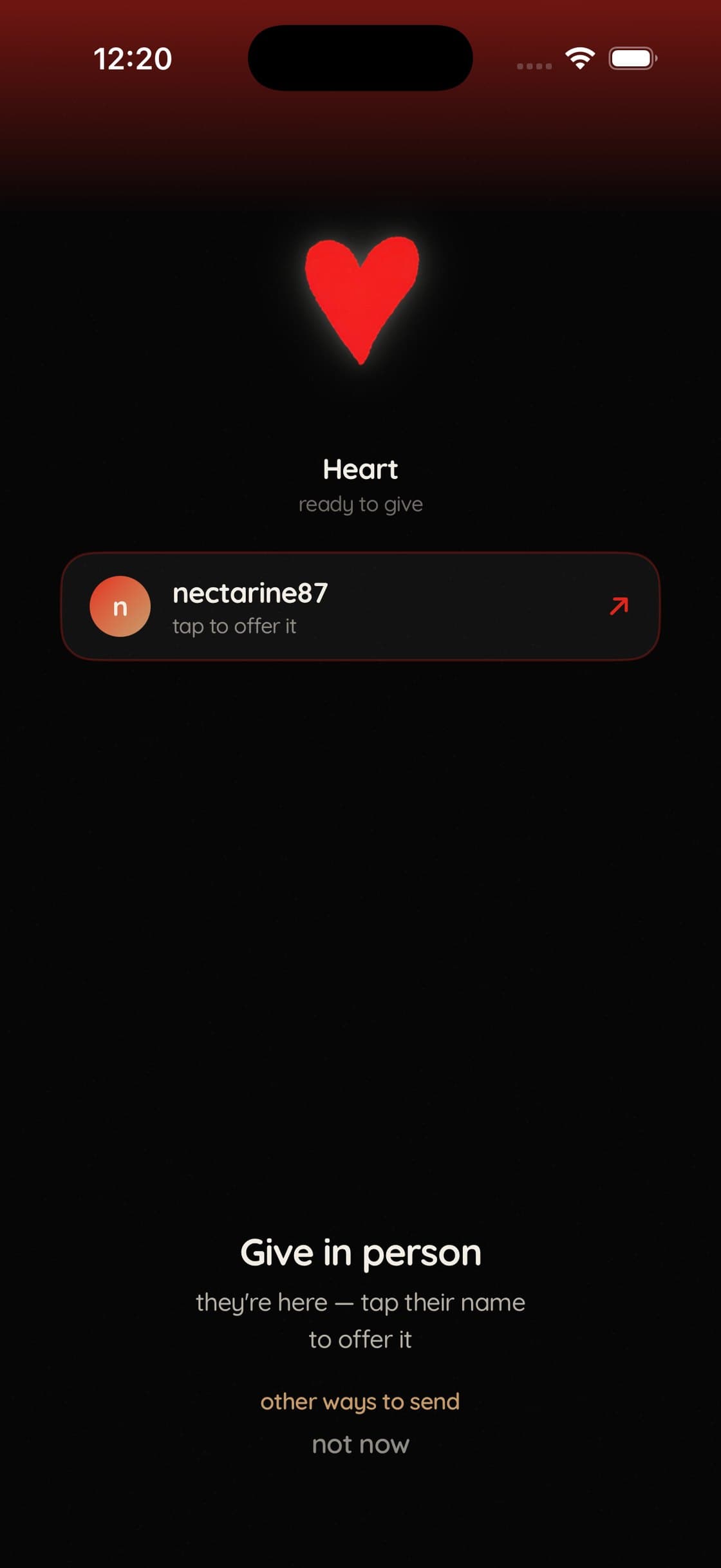
“Who is it going to?”
Their username appears the moment they're ready to receive. Tapping it offers the bijou — it doesn't send it.
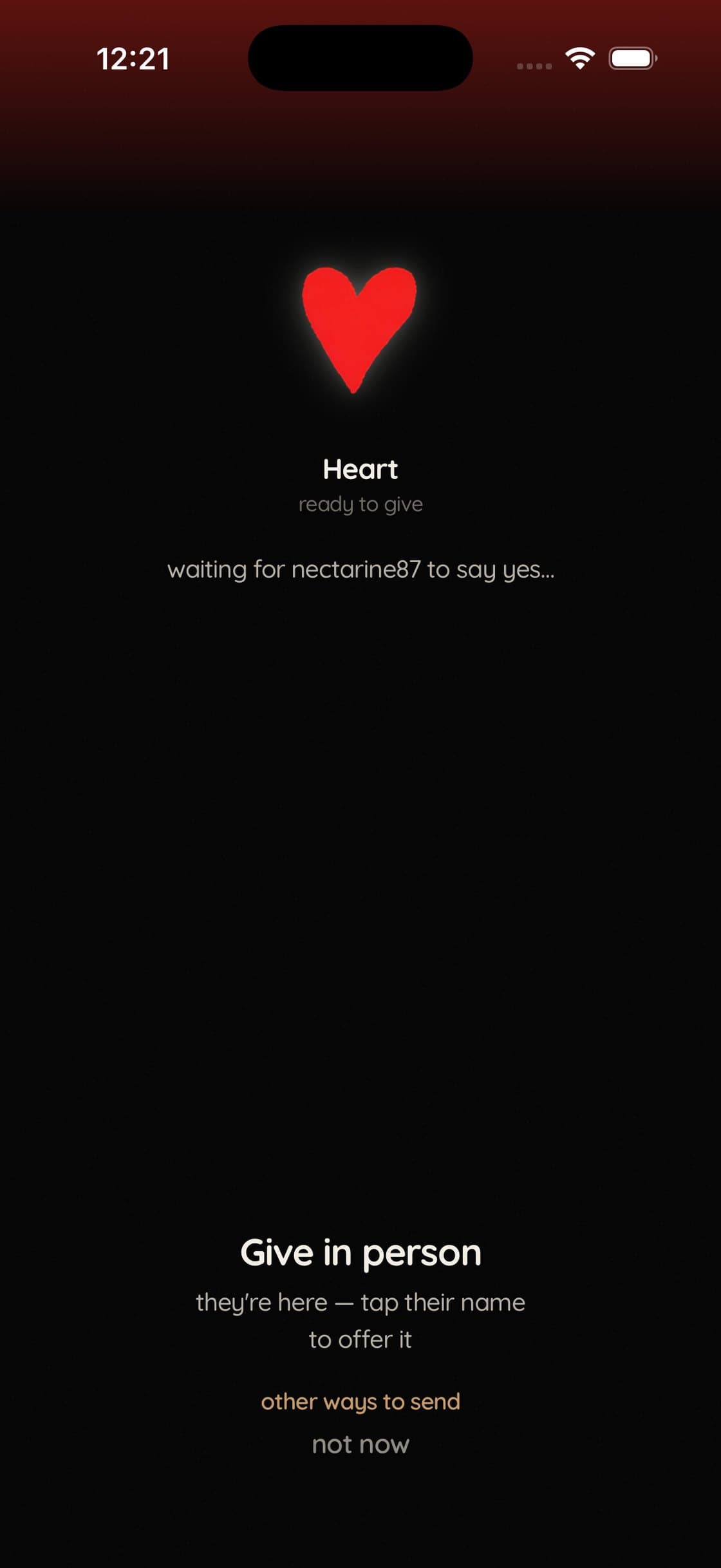
“Did it send?”
The screen answers out loud: waiting for nectarine87 to say yes. Nothing has left your phone yet, and it says so.
On the receiver’s phone
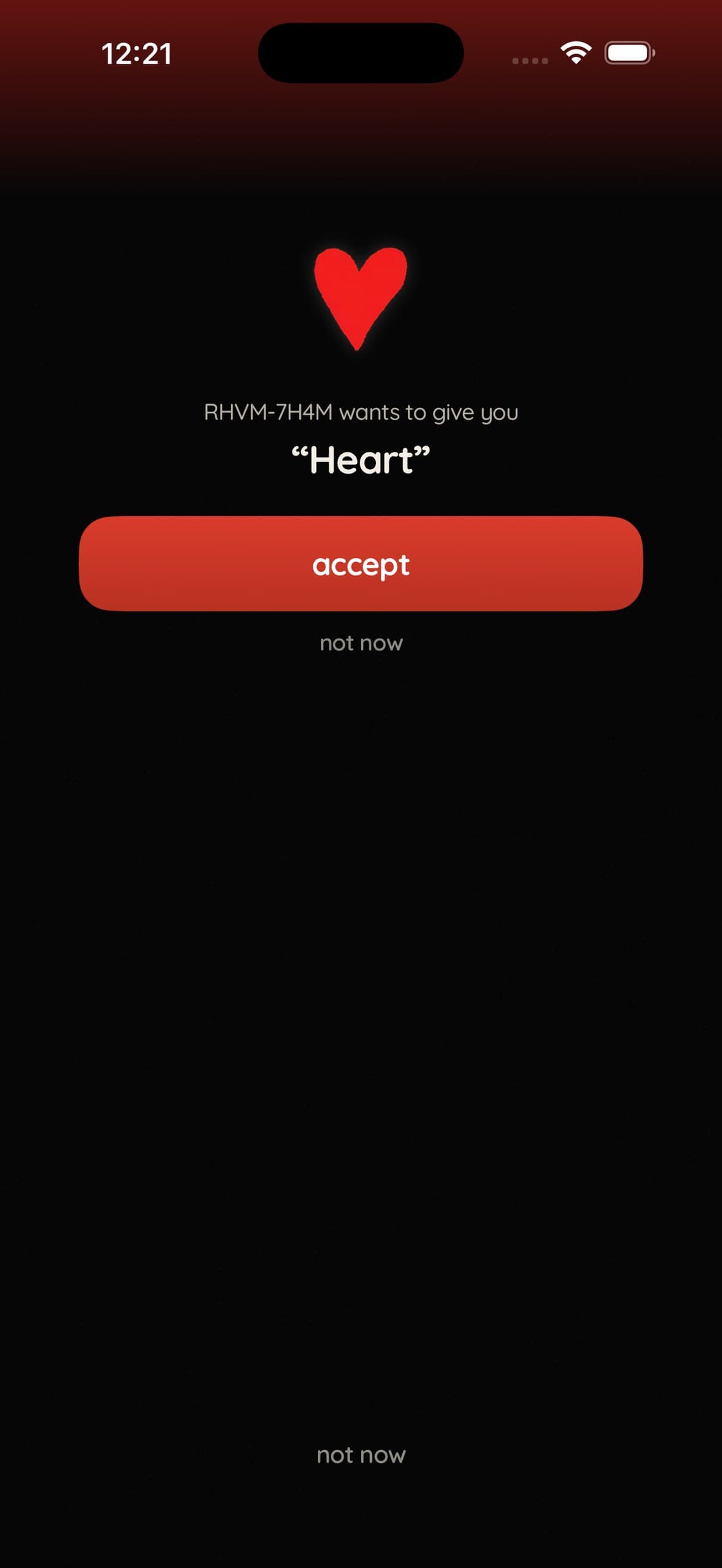
“What am I accepting?”
They see the real object, its name and who it's from, with the freedom to decline. Their yes is what completes the send.
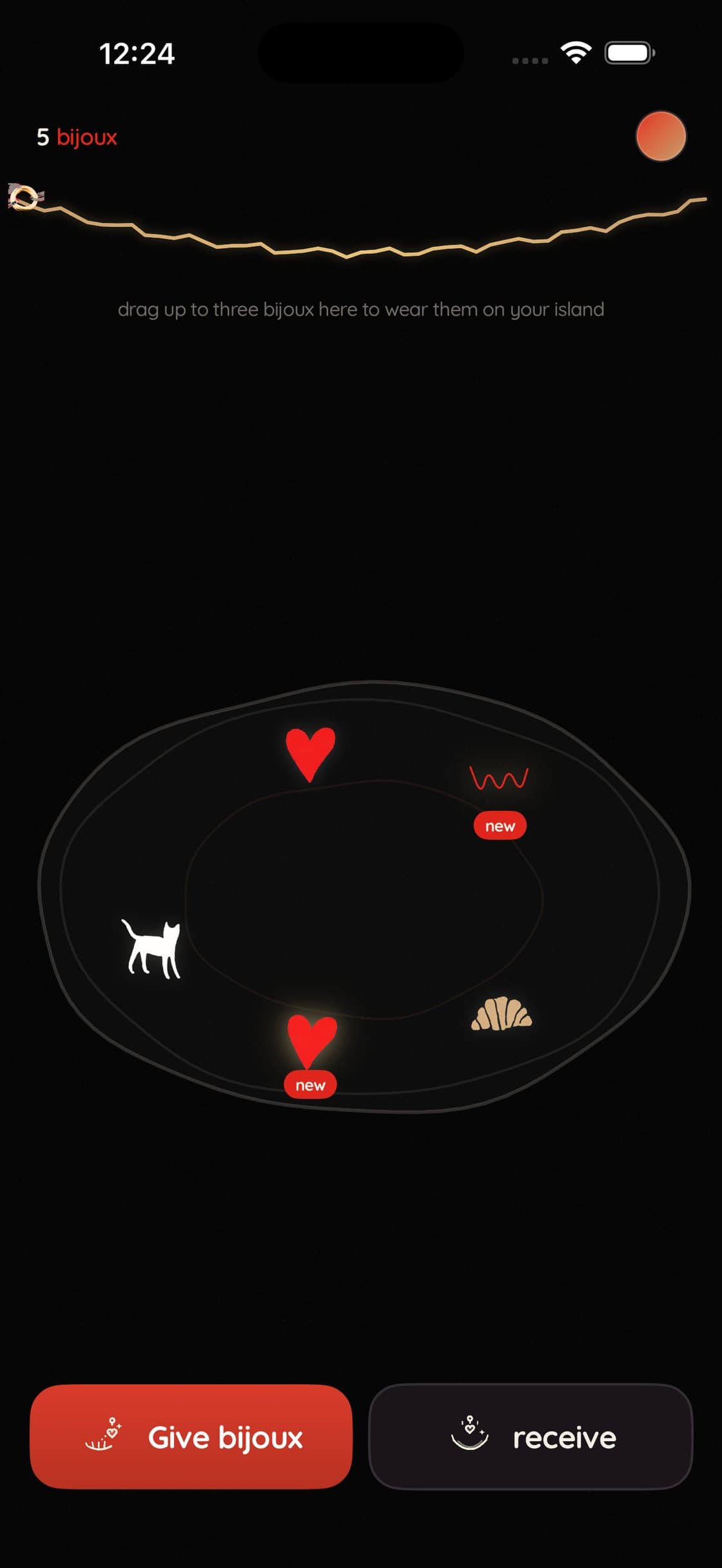
“Which one just arrived?”
It lands with a gold shimmer and a small red badge, and keeps them until the first time you touch it. Your dish tells you what's new.
Objects worth keeping
Thirteen painted charms in three inks. My rule for the set: recognisable by silhouette alone, because on the island a charm is 22 points tall.


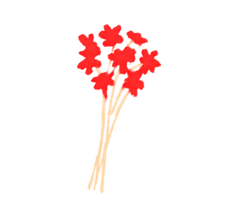










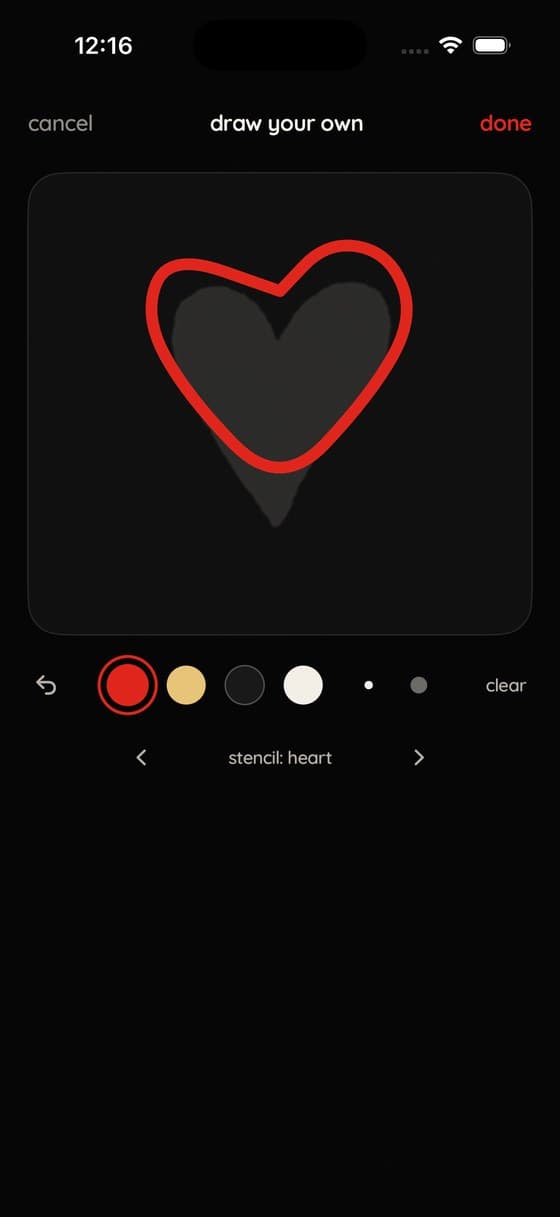
And when thirteen isn’t personal enough, you draw your own. Four pens — the brand inks, nothing else — so a hand-drawn bijou still belongs beside the painted ones. It lands on your friend’s island in their own hand.
Where AI actually belongs here
Nobody wants to be handed AI-generated art. The whole value of a bijou is that a person made it for you — generate that and you’ve generated away the point of the app.
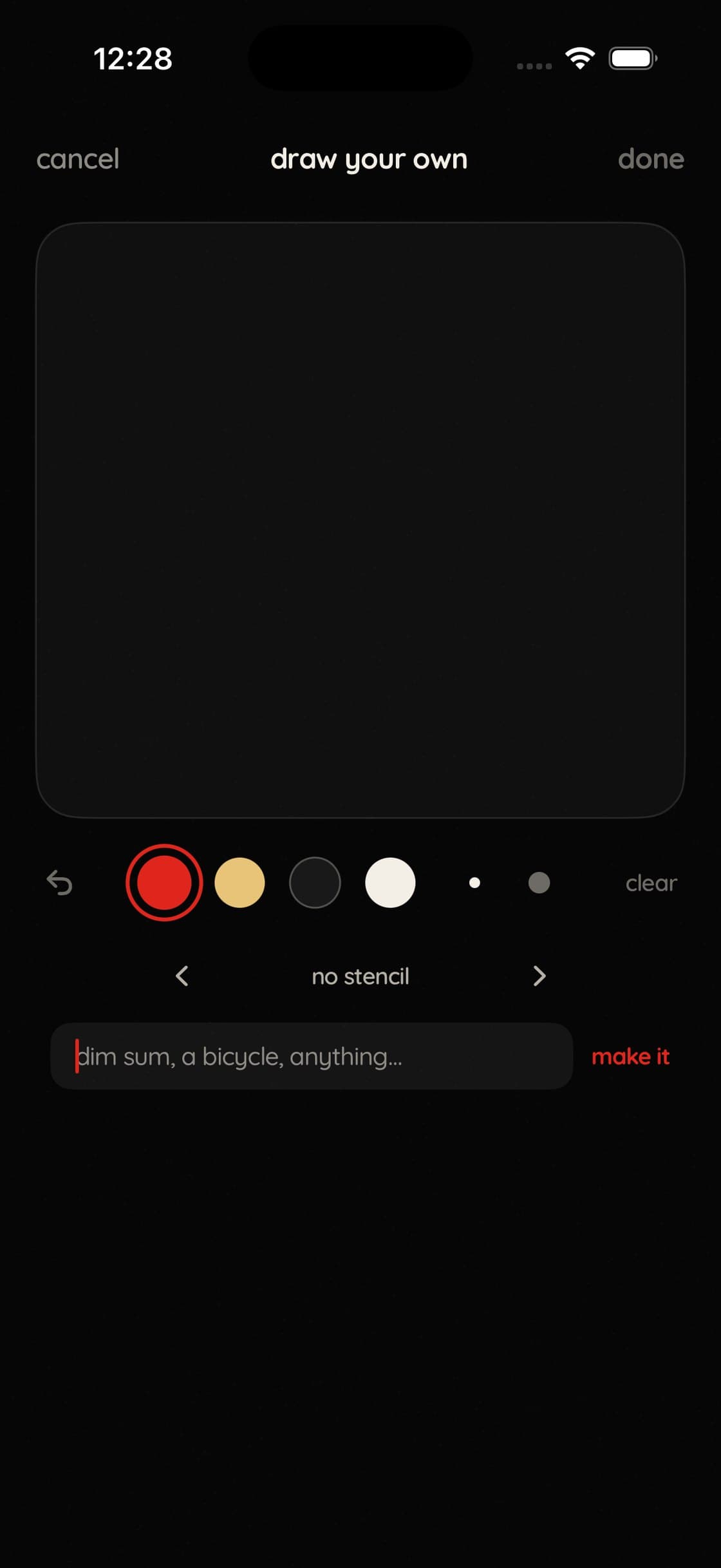
But testers kept telling me the same thing: I can’t draw. So I pointed Apple’s on-device image generation at the one job it’s genuinely right for — not making the gift, but making a stencil to trace. Name anything, and it appears faintly under your canvas. The bijou your friend receives is still drawn in your own hand.
Three rules make that line hold. The stencil renders outside the export path, so it is structurally incapable of ending up in the gift. Your words are quietly wrapped in the app’s own visual language, so what comes back already belongs to this world. And it fails open: if the model balks, your own words are retried before you ever see an error.
Two people, wearing each other’s gifts
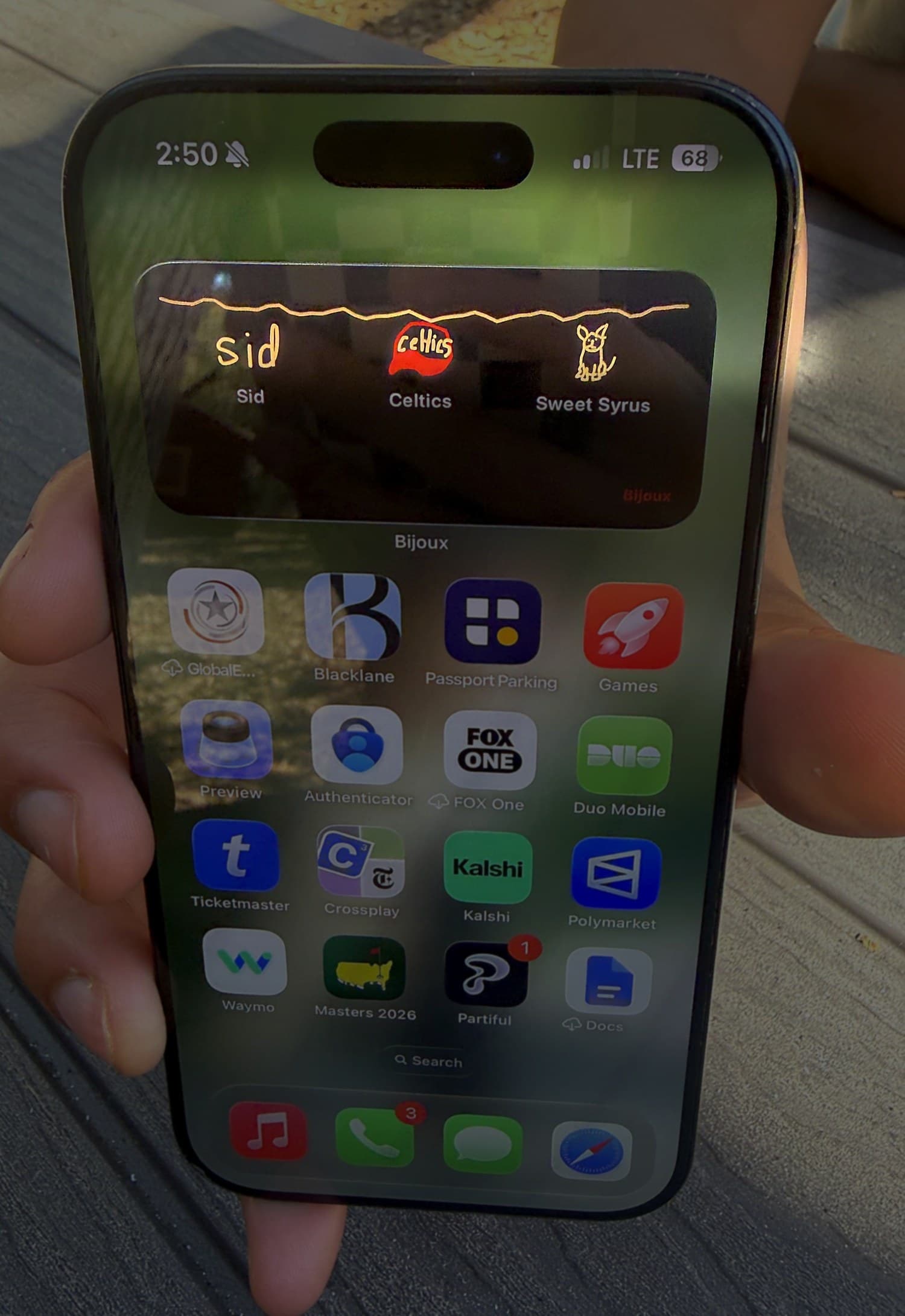
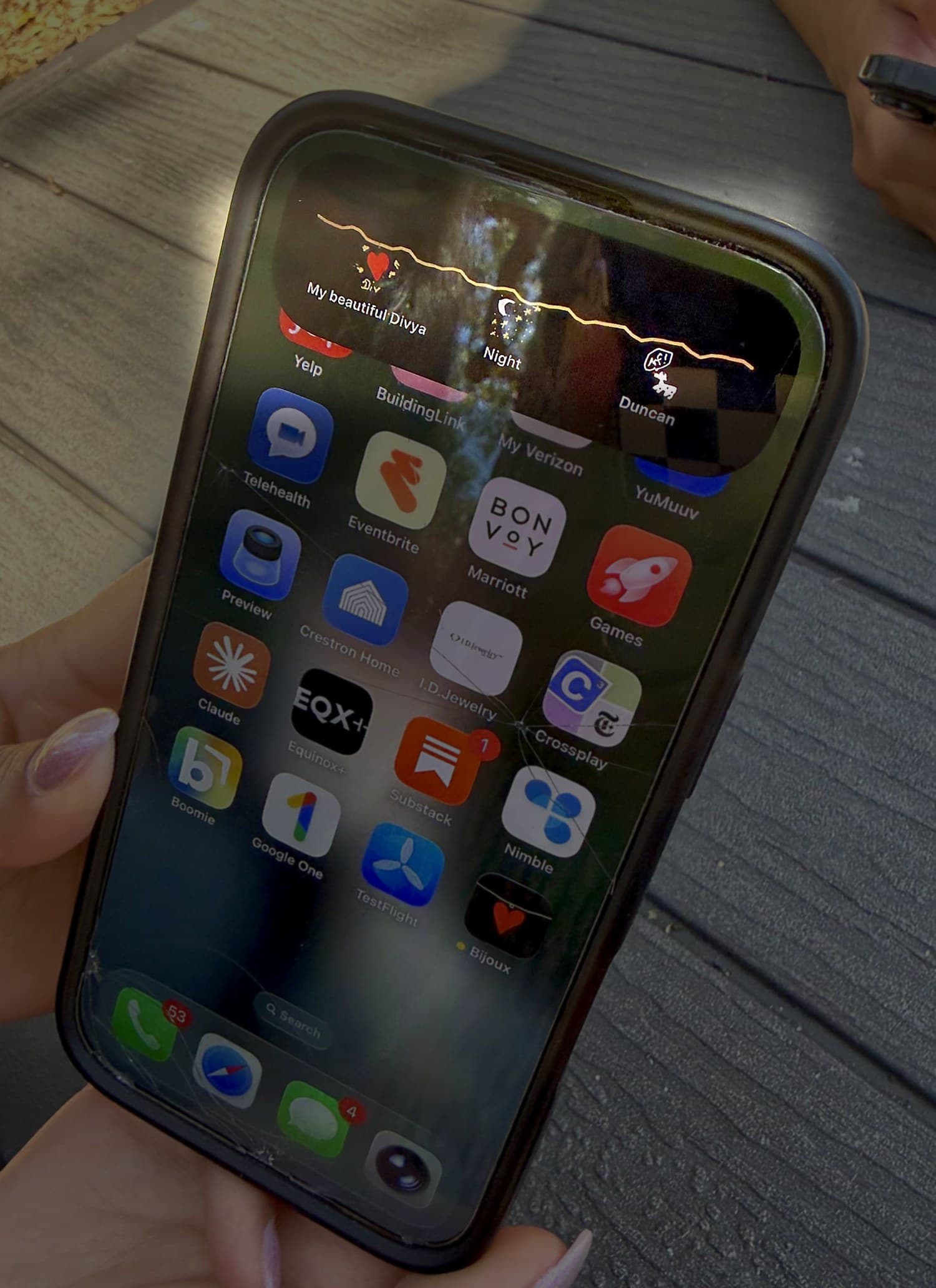
A newly engaged couple were among the first people to use Bijoux. They drew each other matching bijoux by hand and put them on their home screens, so the other person is there every time they unlock their phone.
These are their phones, not mine — and it’s the part I’m proudest of. Two people who had never seen the pattern before understood it well enough to use it for exactly what it was for, without me in the room.
Every screen here is SwiftUI I wrote — the physics behind the swaying charms, the pipeline that produced the charm art, and the constraints of putting a live bracelet on the Dynamic Island. I wrote that side up separately.
Build details